
Notion
notion.com
PDF Conversion Score
82/ 100
Score Insights
Fair (0–49)Good (50–79)Great (80–100)
- Native page count
- 10
- PrintFriendly page count
- 6
- Delta
- 40% (High)
We are an independent review service. Company names and favicons are used for identification only and do not imply endorsement or affiliation. All trademarks belong to their respective owners.
Score Breakdown
- content cropped in demo screenshotThe 'Environment Ask Info' demo panel has text and table columns cut off on the right side, making some content unreadable within that section.
- partial text truncation in tableSeveral rows in the Q&A table within the demo screenshot have their answer text truncated mid-sentence, reducing readability of that section.
- navigation clutterThe minimal header with logo and 'Get Notion free' button is present but does not significantly distract from the main content.
About this website
Notion is an all-in-one productivity and collaboration platform that combines notes, databases, wikis, and project management tools in a single workspace.
Convert pages on notion.com to ad-free PDFs.
Add PrintFriendly to Chrome4.6(5,100 reviews)1,000,000 users
Featured on Chrome Web Store
Create a clean, printable version of Notion
Tested URL: www.notion.com/product/ai
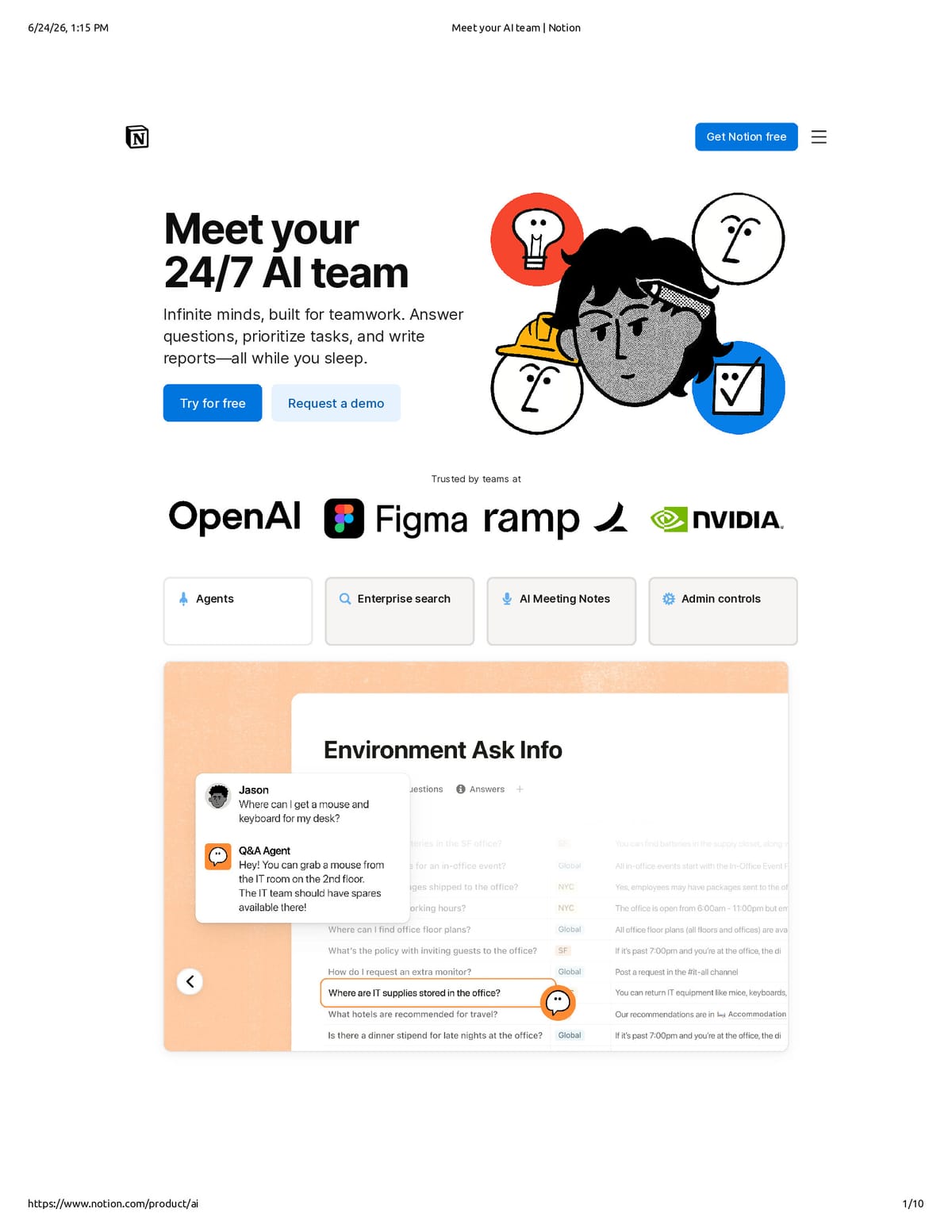
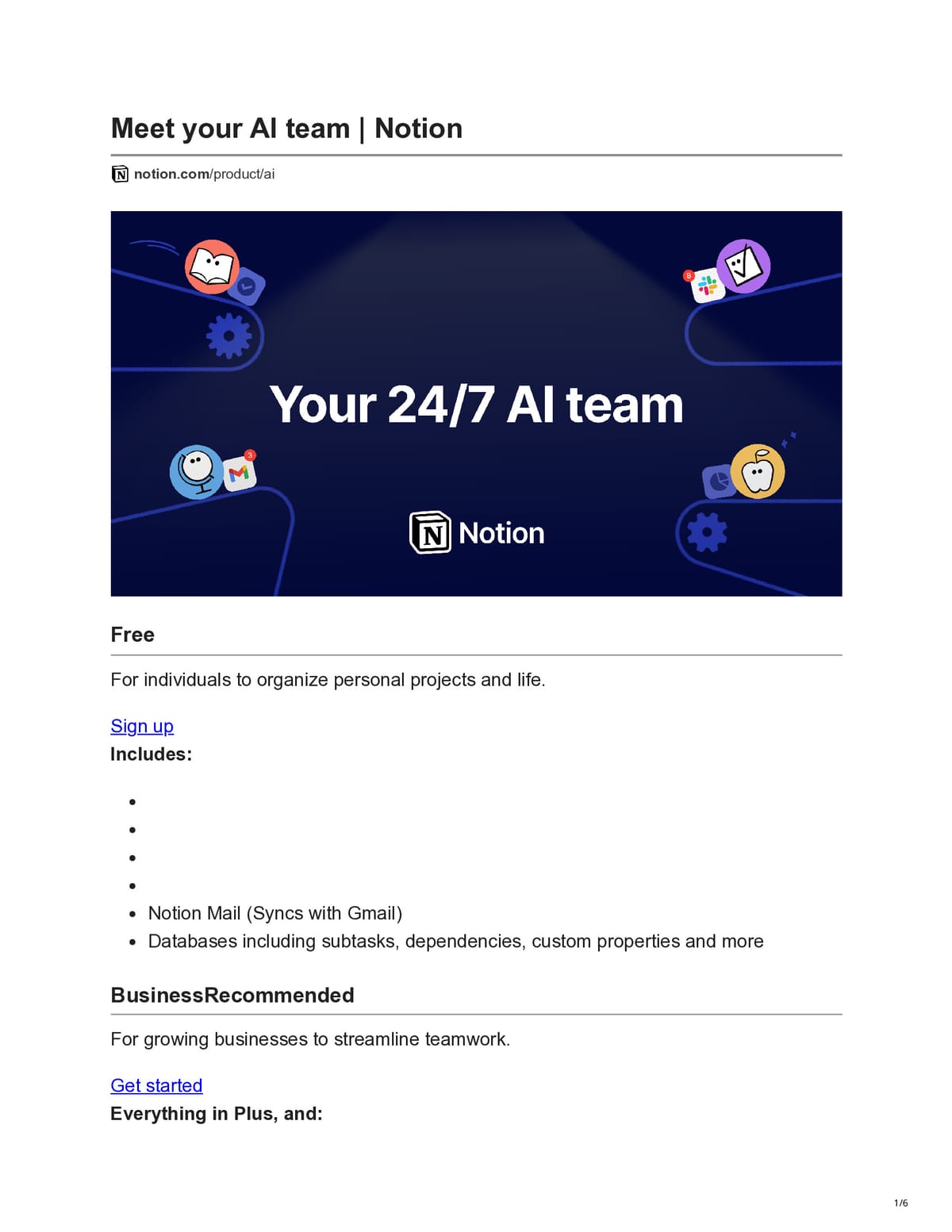
Leaderboard Computing
| Rank | Domain | Native pages | PrintFriendly pages | Delta | Score |
|---|---|---|---|---|---|
| #1 | microsoft.com | 4 | 5 | +25% | 90 |
| #2 | allaboutcookies.org | 18 | 28 | +56% | 90 |
| #3 | fcportables.com | 21 | 16 | -24% | 88 |
| #4 | teletype.in | 33 | 3 | -91% | 88 |
| #5 | lifehacker.com | 10 | 5 | -50% | 88 |
| #6 | code4rena.com | 21 | 17 | -19% | 88 |
FAQs
- What does the PDFability score for this site mean?
- The PDFability score shows how well this website converts into a clean, readable PDF. A higher score means the page produces a clearer layout with fewer distractions when converted using PrintFriendly compared to the default browser print version.
- How is this PDFability score calculated?
- The score is based on a visual evaluation of the page after conversion. We compare the website's default print output with the optimized version generated by PrintFriendly and measure factors such as layout clarity, visual clutter, readability, and overall PDF quality.
- What is being compared to generate this score?
- We compare two versions of the same page: the default browser print output and the version generated by the PrintFriendly tool. This comparison helps determine how much the layout, readability, and overall PDF quality improve.
- Why does PrintFriendly sometimes create more pages than the native print version?
- In some cases PrintFriendly increases the page count in order to improve readability. For example, it may expand images, restore hidden content, or improve spacing and formatting. Even when the page count increases, the resulting PDF can still be cleaner and easier to read.
- Can I generate a clean PDF of this website?
- Yes. PrintFriendly allows you to convert almost any web page into a clean, ad-free PDF that is easier to read, share, or print. You can use the PrintFriendly extension or online tool to create a PDF of this page.